launch - Annual Activation Card for Smartlink B & Smartlink C Super Remote Diagnosis
Important Notes
Annual card includes unlimited activations and comes with an Activation Card License.
The more activations you need, the more cost-effective it is to purchase an annual card.
Service is not available for customers in the United States, Canada, Mexico, Australia, Brazil, or Japan.
No hardware is included—no shipping required.
No return or refund service is provided.
Please Provide Product Picture with Serial Number
How to Activate SmartLink C Connector
To activate the SmartLink remote diagnosis function, access http://smartlink.x431.com/ through the app or a web browser.
After logging in to the SmartLink remote service platform, activate the remote diagnosis function for your SmartLink connector. Note: This feature is not supported in North America or Australia.


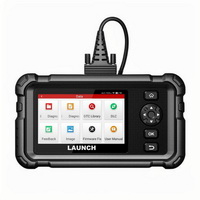 US$290.00
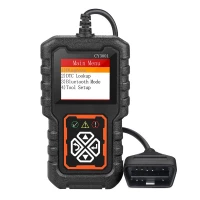 US$9.80
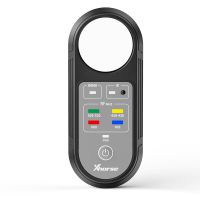 US$37.99
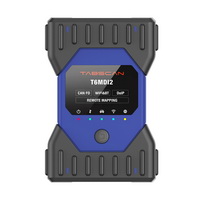 US$990.00
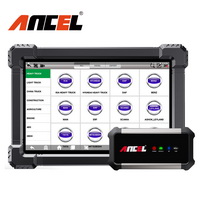 US$519.00
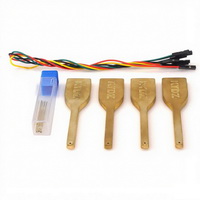 US$29.90
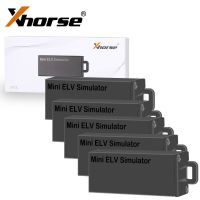 US$122.55
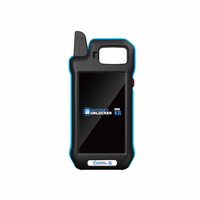 US$500.00
 US$129.00
 US$41.90
 US$179.00
 US$48.90


 US$99.00
 US$119.00
 US$379.00
 US$16.96
 US$19.00
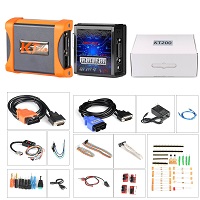 US$479.00
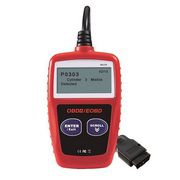 US$26.59
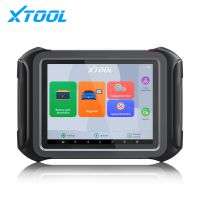 US$2,290.00
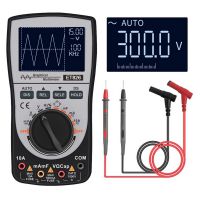 US$54.90
 US$530.00
 US$139.00
 US$17.09


